Function & Iteration (For Loop)
Q2
a) Algorithm Development - For loop iteration
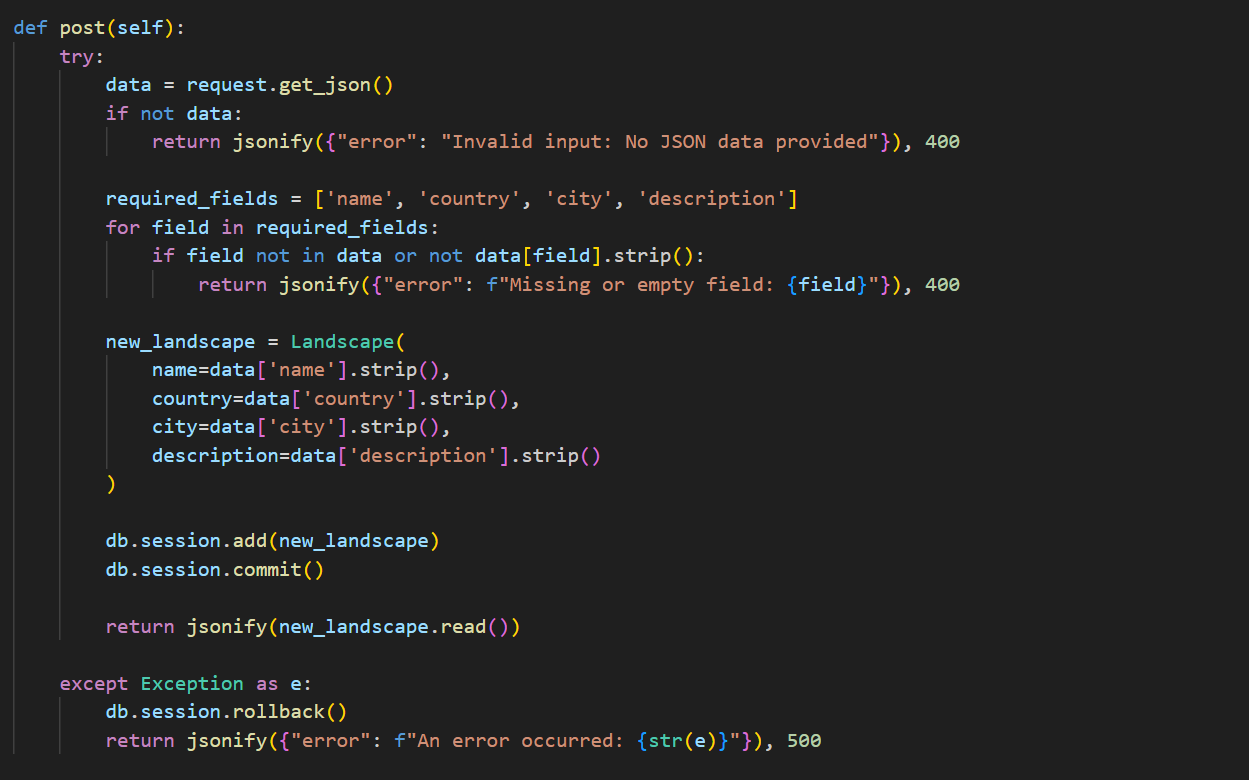
for field in required_fields:
    if field not in data or not data[field].strip():
        return jsonify({"error": f"Missing or empty field: {field}"}), 400
- This loop iterates four times, corresponding to the number of required fields:
name,country,city, anddescription. - If all fields are present, the loop runs four times without returning an error.
- If a missing or empty field is found, the loop exits early with an error response.
Parameter
def post(self):
        try:
            data = request.get_json()
            if not data:
                return jsonify({"error": "Invalid input: No JSON data provided"}), 400

            required_fields = ['name', 'country', 'city', 'description']
            for field in required_fields:
                if field not in data or not data[field].strip():
                    return jsonify({"error": f"Missing or empty field: {field}"}), 400

            new_landscape = Landscape(
                name=data['name'].strip(),
                country=data['country'].strip(),
                city=data['city'].strip(),
                description=data['description'].strip()
            )

            db.session.add(new_landscape)
            db.session.commit()

            return jsonify(new_landscape.read())

        except Exception as e:
            db.session.rollback()
            return jsonify({"error": f"An error occurred: {str(e)}"}), 500
- In this code,
selfis a parameter defined by the class-based structure of Flask’s API resources. It represents the instance of the class where thepostmethod is implemented. - When a
POSTrequest is made to the corresponding API endpoint, Flask automatically callspost(self), passing the instance of the class as self. This allows the method to interact with the class instance, ensuring that the function can process the incoming JSON data, validate required fields, create a newLandscapeobject, and commit it to the database. - In Flask-RESTful,
get(self)defines a GET method for a URL endpoint, with self as the instance parameter that provides access to endpoint-related behavior. Query parameters can be retrieved usingrequest.args.get(), whilerequest.get_json()extracts JSON payloads in POST requests.
b) Error and Testing
-
Error Identification: If the data is empty or missing necessary fields, the code returns an error message. If the data is not in JSON format,
request.get_json()will returnNone, which will lead to a runtime error when attempting to call thestrip()method onNoneType. -
Correction: After
request.get_json(), addif not isinstance(data, dict): return jsonify({"error": "Invalid JSON format"}), 400to avoid theNoneTypeerror.
c) Data and Procedural Abstraction
def isEqual(a, b):
    return a == b

def count_landscapes_by_country(country):
    landscapes = Landscape.query.all()  # Get all landscapes from the database
    count = 0
    for landscape in landscapes:
        if isEqual(landscape.country, country):
            count += 1
    return count

country_name = "USA"
result = count_landscapes_by_country(country_name)
print(f"Number of landscapes in {country_name}: {result}")
- The algorithm iterates through all landscapes in the database and uses
isEqual(a, b)to check if each landscape’s country matches the given one. If a match is found, a counter is incremented. Finally, the function returns the total count. This effectively determines the number of landscapes in a specified country using list traversal and comparison.
Call to Function & Selection (If/Else)
if (response.ok) {
    alert('Landscape added successfully!');
    document.getElementById('landscapeForm').reset();
    window.fetchLandscapes(); // Refresh the table
} else {
    alert('Failed to add landscape.');
}
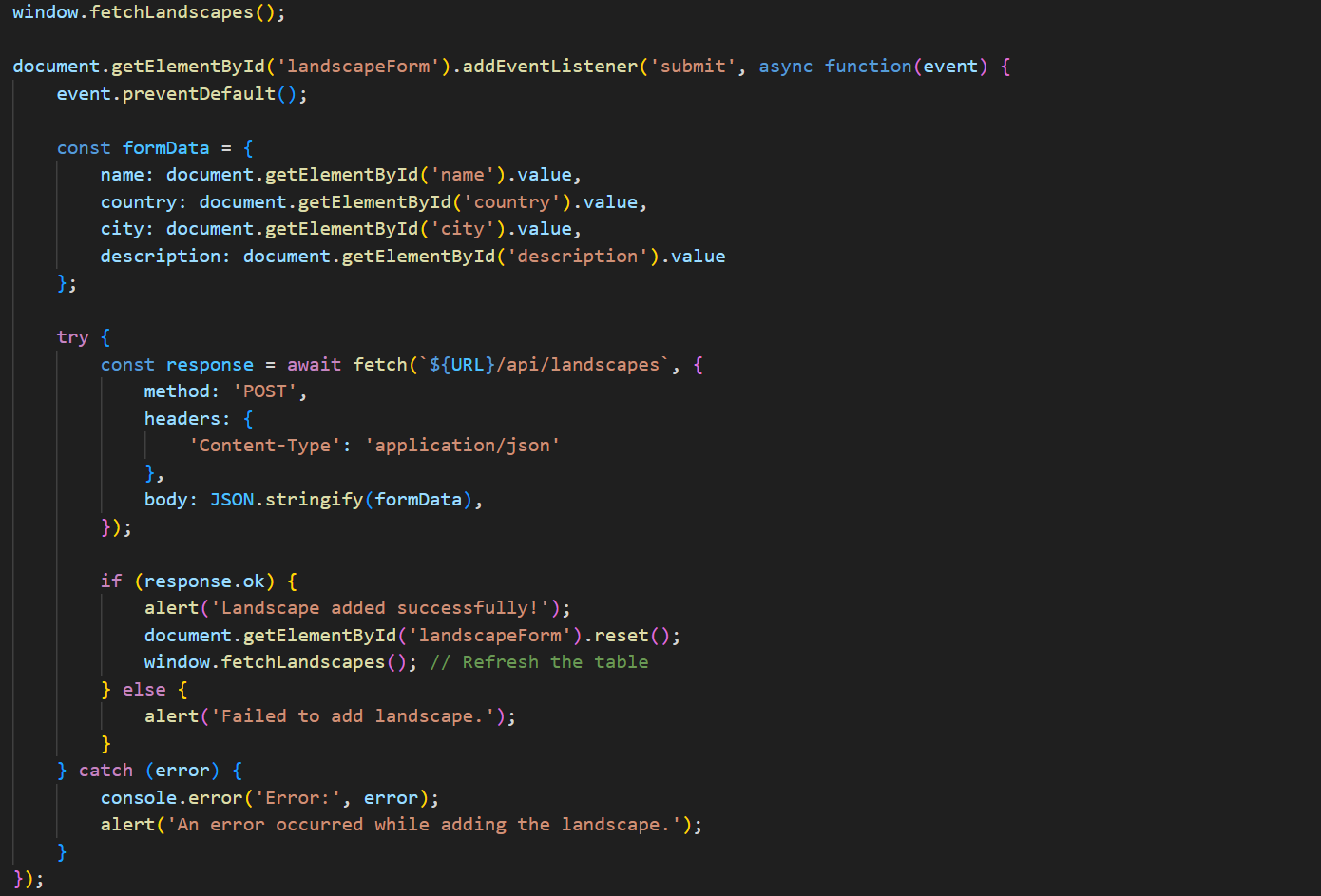
if (response.ok)checks whether the fetch request was successful.response.okis a boolean property of theResponseobject that istrueif the HTTP status code is in the range200-299(indicating success).-
If the request is successful (
response.okistrue):- It displays an alert saying
"Landscape added successfully!". - It resets the form by calling
document.getElementById('landscapeForm').reset();. - It calls
window.fetchLandscapes();, which likely updates the displayed list of landscapes.
- It displays an alert saying
-
If the request fails (
response.okisfalse):- It displays an alert:
"Failed to add landscape.". - This informs the user that something went wrong while trying to add the landscape.
- It displays an alert:
A list
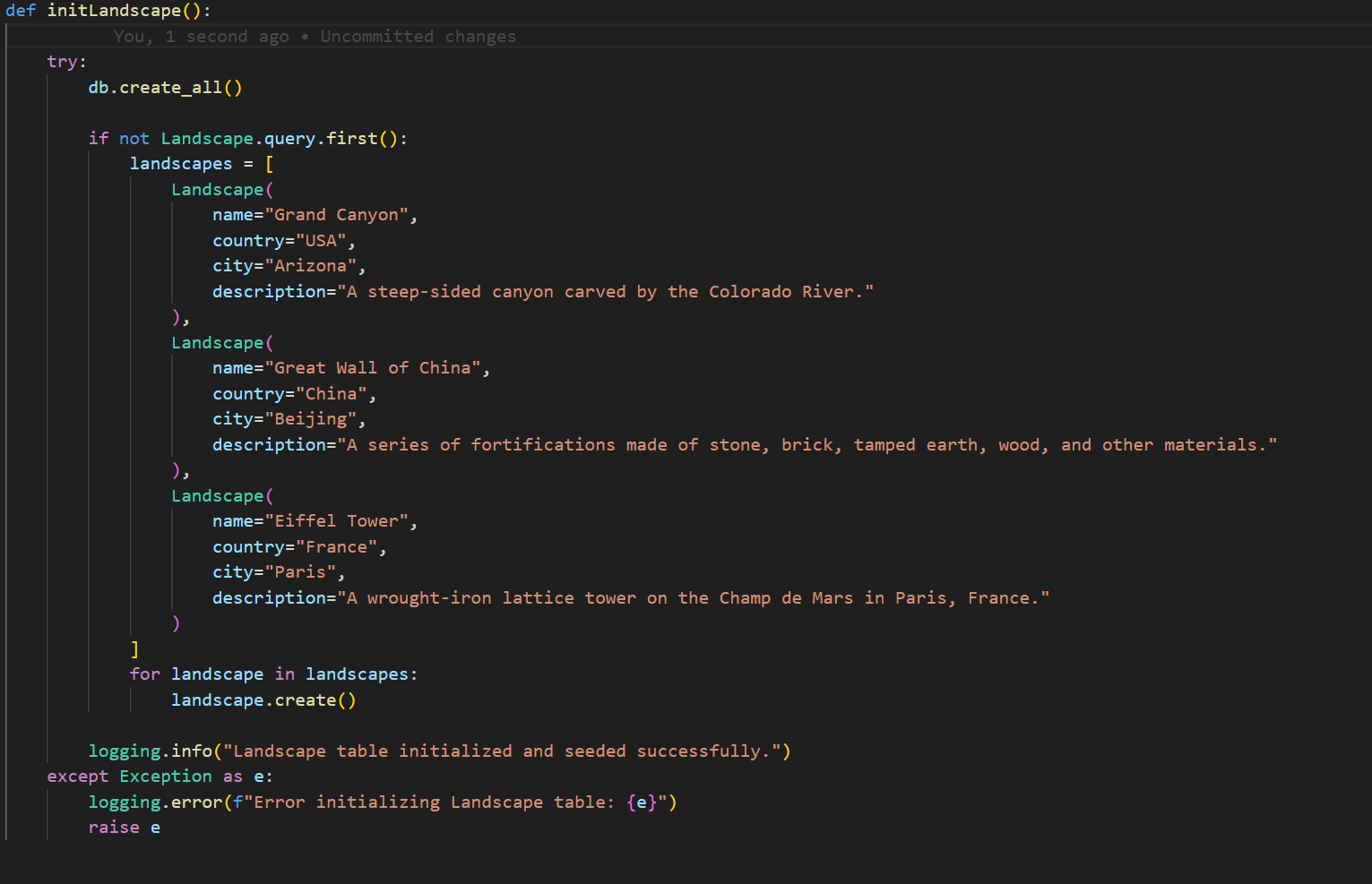
- This function initializes the
Landscapedatabase table by first creating all necessary tables and then checking if any records already exist. - If the table is empty, it creates a list of
Landscapeobjects, each representing a famous landmark with attributes such asname,country,city, anddescription. - The function then iterates through the list and calls
create()on each object to save them to the database. This ensures that the database has initial data when first set up.
Q1: Program Design, Function, and Purpose
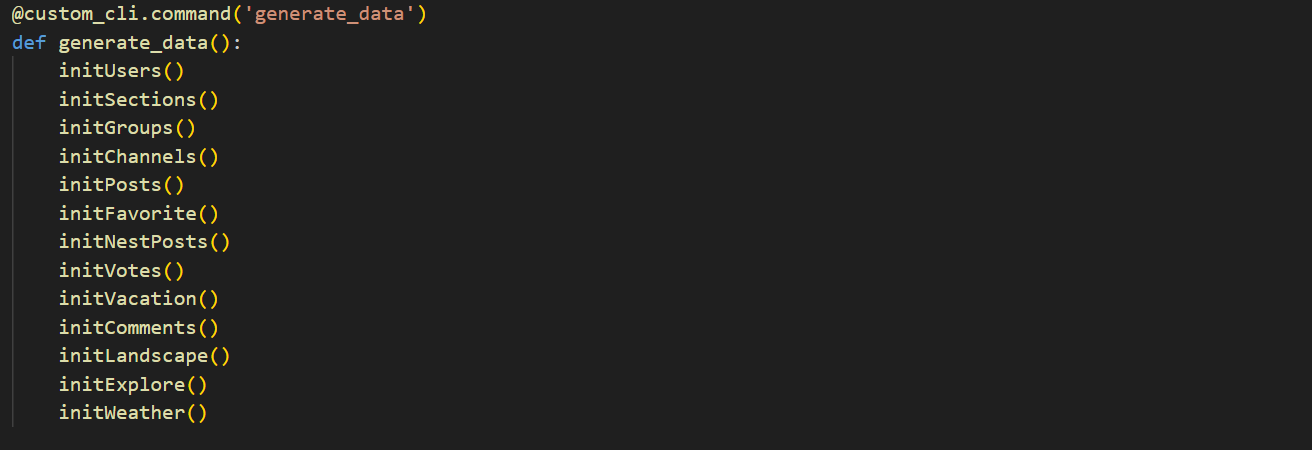
- The purpose of this function is to store and provide information about famous landscapes worldwide, allowing travelers to explore and discover destinations of interest. By offering detailed descriptions, images, and travel recommendations, the function helps users gain insights into various landscapes and inspires their travel plans.